Image Masking Service
Right now, almost 38% of consumer wants their photos to background as white. That's their basic need when they edit photos. But when you are a professional photographer, usually you don't get enough time to edit all your photo to deliver in time with good quality. Without taking help, you won't be able to make every client happy. That's why for the sake of your good growing business, you need to take help from masking services.
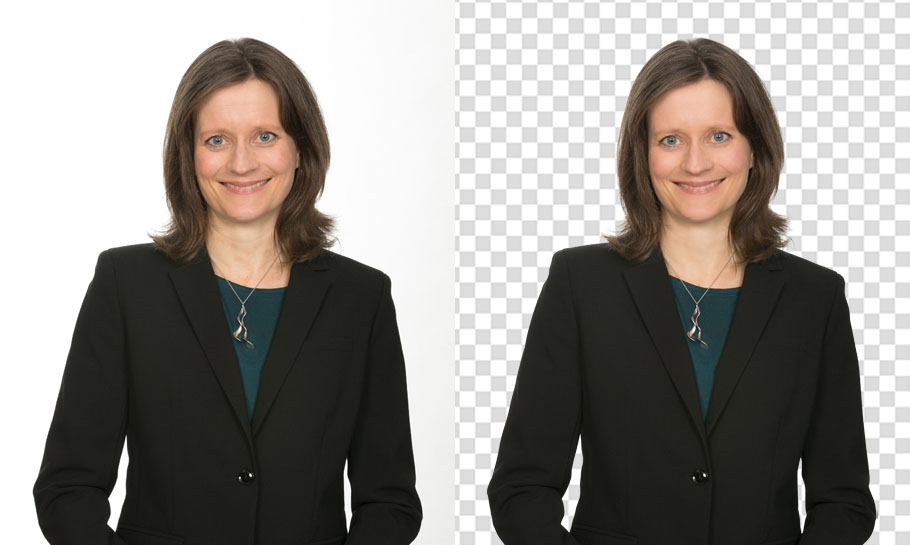
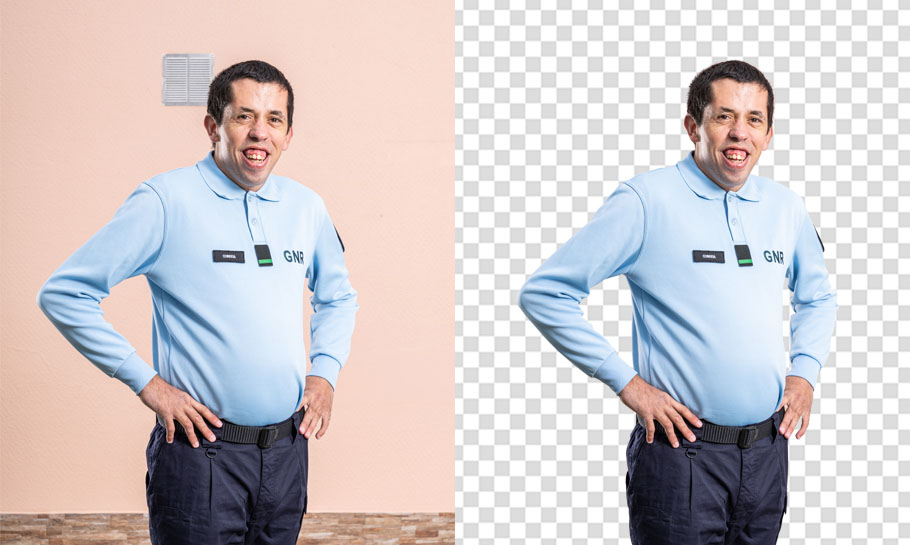
What is an Image Masking Service? Image masking is normally used to remove background from the photo that has a subject with fur & hair. Here clipping path is used for removing the background, but if the image has complex soft edges, many turns, curves & outlines, then there layer masking is much needed to overcome.
Techniques Employed in Clipping Path Services
Depending on the type of picture and the effect that is to be achieved, various types of Photoshop masking services can be applied. Each has its advantage over the other and is best suited for a particular purpose. That being the case, the different types include fur & hair, color masking, object, transparent object, translucent object, and refine edge masking.
Fur & Hair Masking
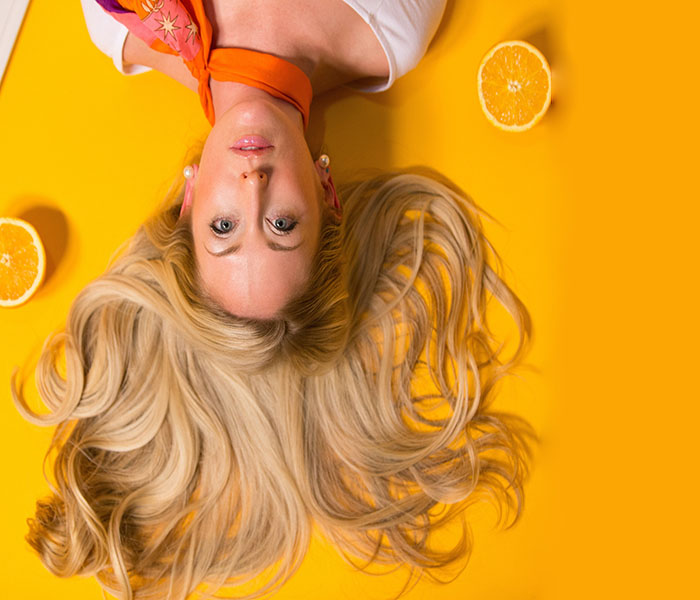
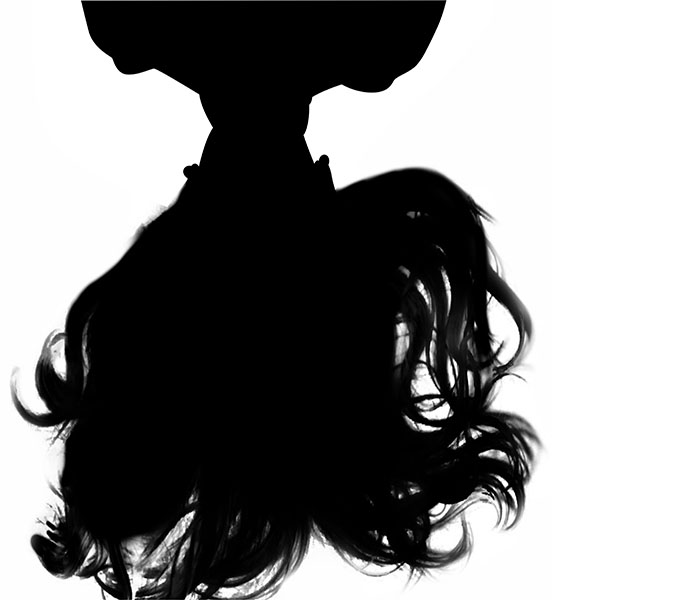
The most common and complex type of masking is the removal of fur and hair from a picture. Nonetheless, with this service, any image whose edge is soft can be eliminated with a pen tablet. The idea is first differentiated from the background and then masked. Asides from that, other enhancements such as contrast, color, exposure, and brightness can be applied to the photograph.
Before
Fur & Hair Masking
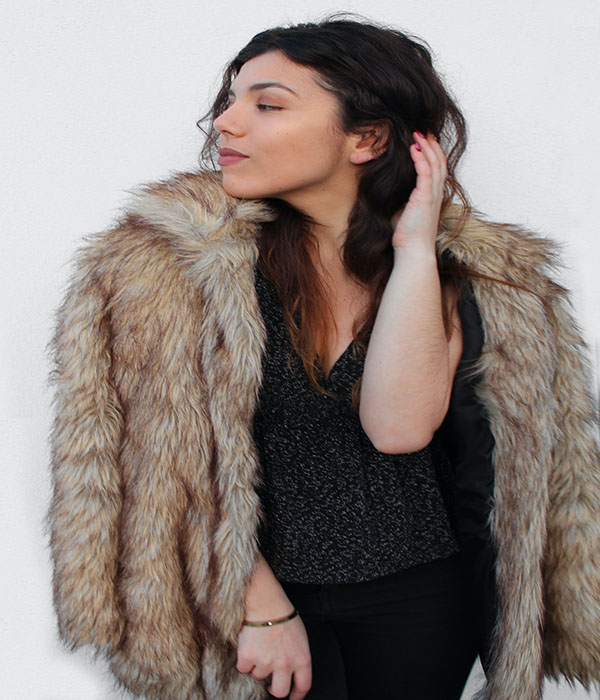
After
Fur & Hair Masking
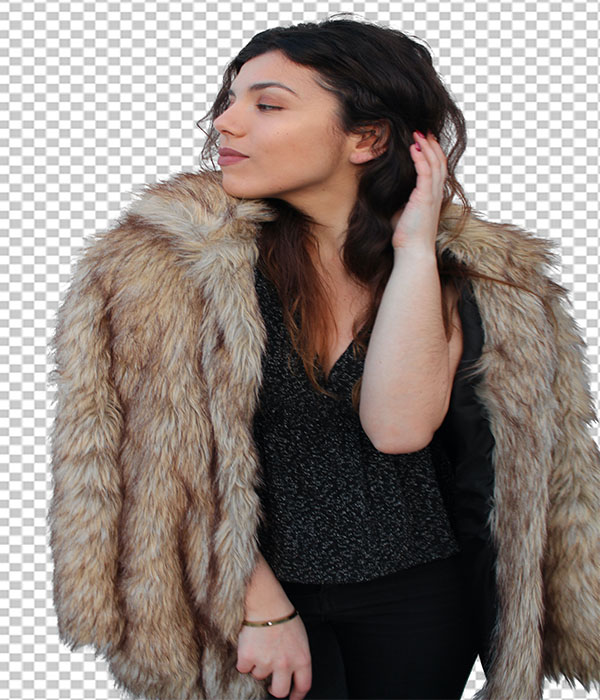
Before
Color Masking

After
Color Masking
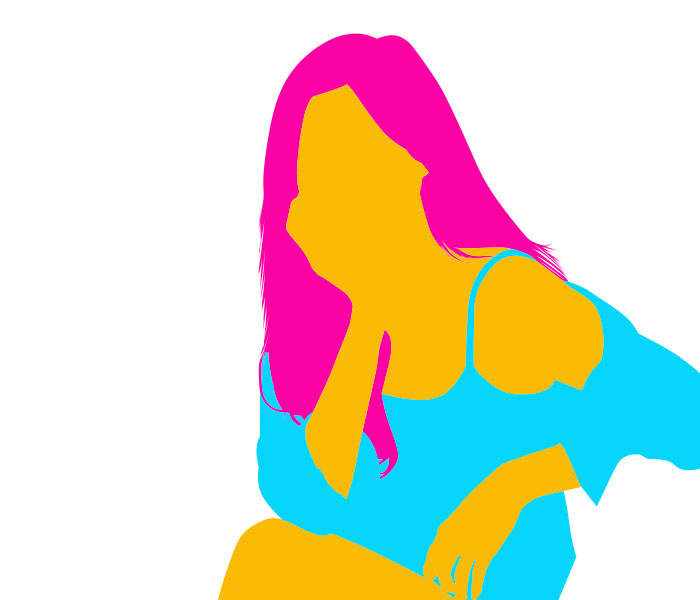
Color Masking
Color masking is an effect that can be applied to your pictures, and it involves retouching, color correction, and exposure correction. That is to say, the colors of your images can be changed, and even specific parts of the image's can be enhanced without affecting other parts. It can be possible by selecting the image whose color needs to be changed and creating a hue and saturation layer.
Object Masking
Any part of an unwanted or undesirable image can be gotten rid of in the object masking process. Here, the quick selection tool can be used to outline the region, and a layer can be used to replace it. The part that is chopped out could have been deformed or not necessarily needed in the image.
Before
Object Masking
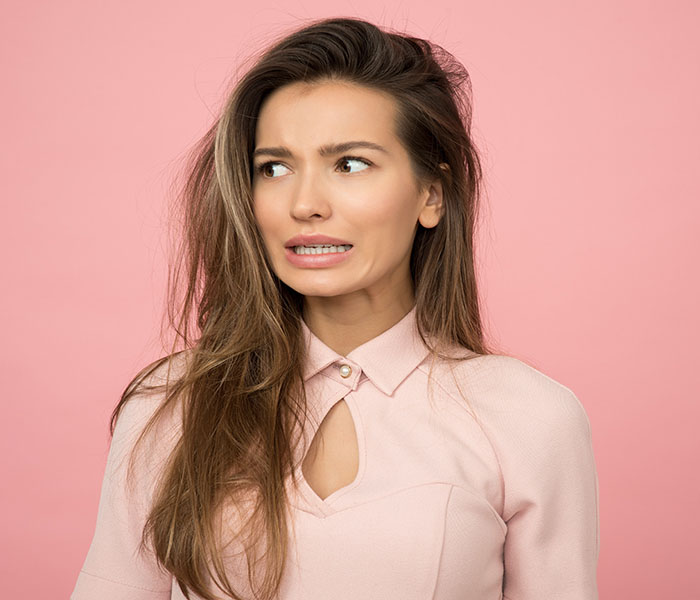
After
Object Masking
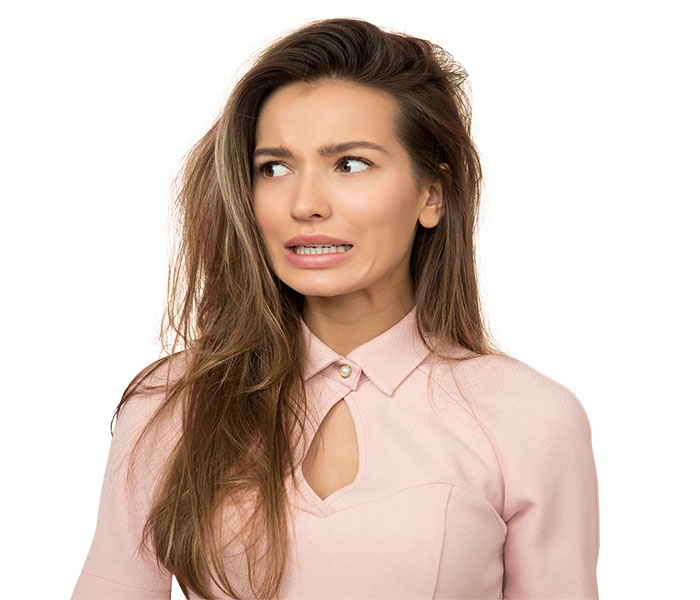
Before
Transparent Masking
After
Transparent Masking
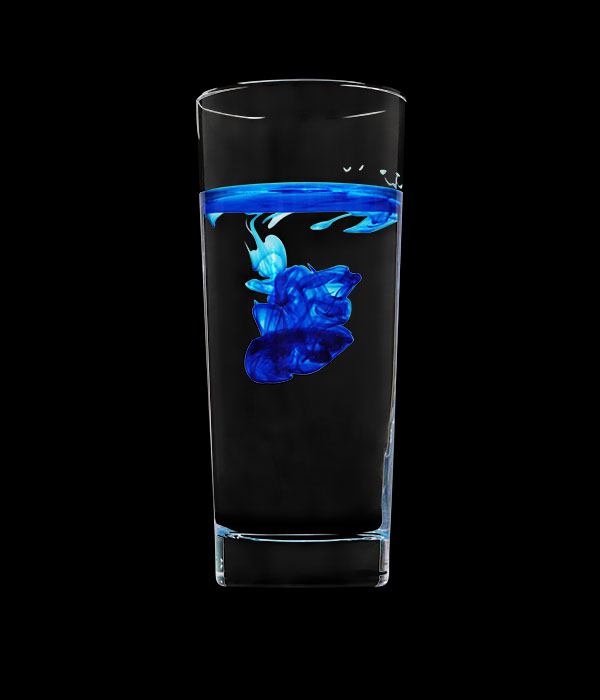
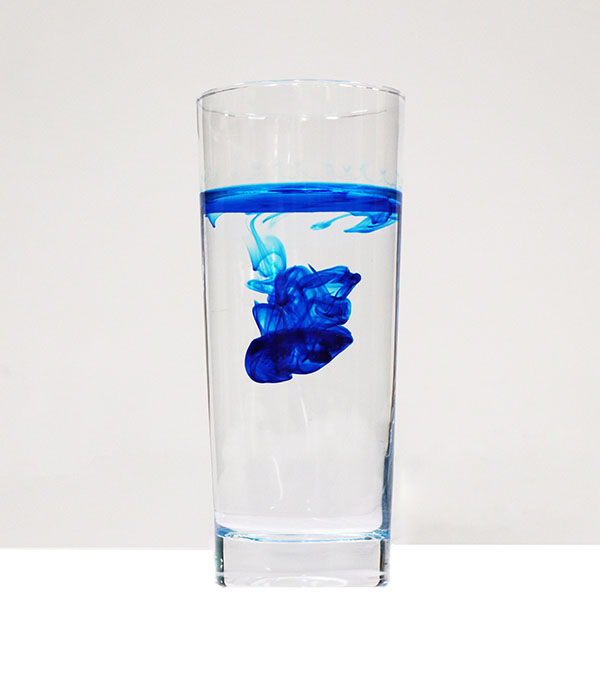
Transparent Object Masking
Objects that light can easily pass through, such as car glass, spectacles, water, also have a certain degree of opacity in the range of 0 to 5 per cent. These types of objects are too difficult to extract from the background, unlike solid objects. However, this masking process allows you to remove such a thing and then place the item on another ground to produce visible color
Translucent Object Masking
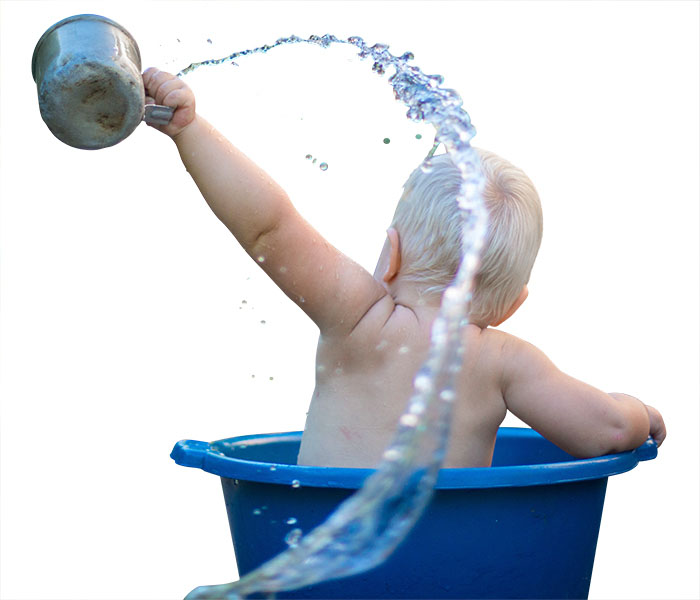
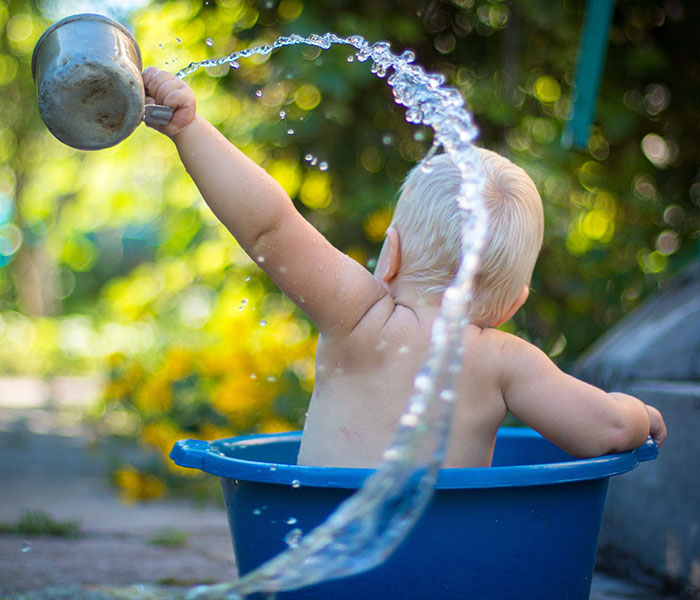
Unlike transparent objects, translucent ones let light pass through partially. They have an opacity of 5 to 100 per cent. Some of these are fabrics, sunglasses, plastic bottles, frosted glass, and several others. These objects are usually a little bit blurry to pick out and maintain their translucence since they let in only little light. Nevertheless, a skilled designer like ClickThePhoto can still extract them from the background.
Before
Translucent Masking
After
Translucent Masking
Before
Alpha Channel Mask
After
Alpha Channel Mask
Alpha Channel Mask
Alpha Channel Masking is the creation of masks with the use of colors. Images usually come with one out of these two color combinations, CMYK (Cyan Magenta Yellow Key) Color (Black) or GB or Red Green Blue. However, this service makes it possible for a single color tone to be selected and applied to create a mask. You can also replace the background of an object such as the sky by using RGB colors.
Translucent Object Masking
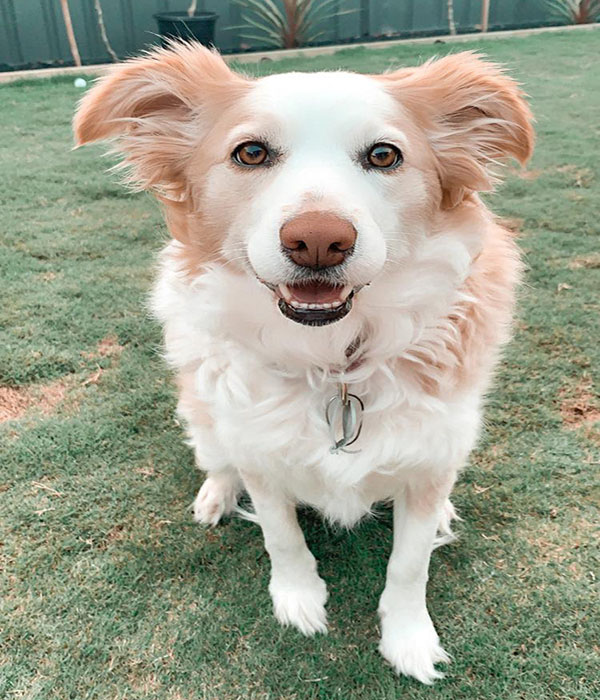
Another tool in Photoshop, which helps in masking is Layer Masking. Layers are usually formed on top of each other. Even without removing a layer, you can see through it using this technique.
Before
Layer Masking
After
Layer Masking

Before
Refine Edge Masking
After
Refine Edge Masking
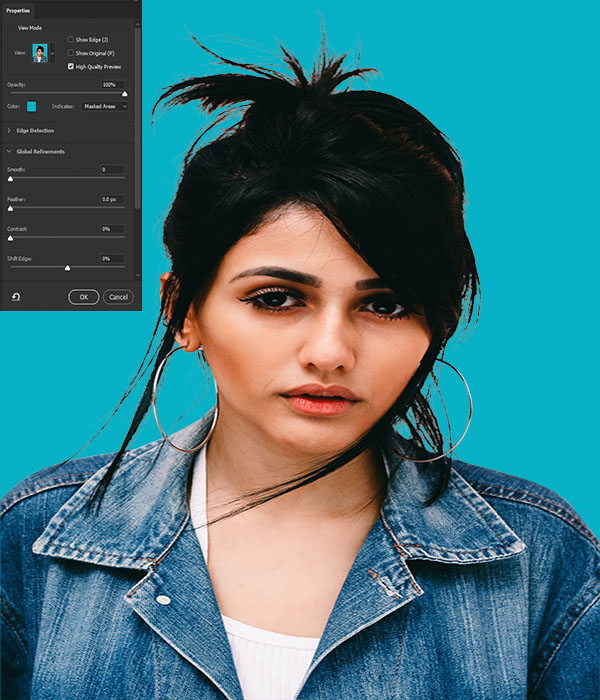
Refine Edge Masking
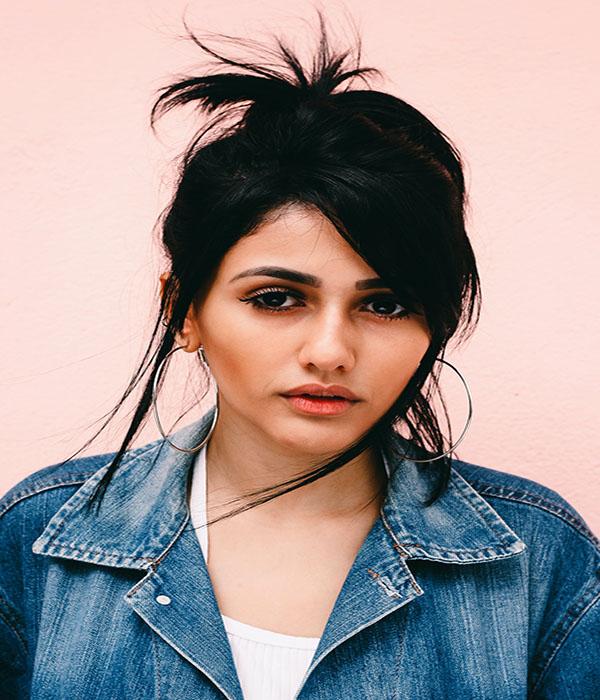
The Photoshop selection tool can be employed in refined edge masking to give the hair, doll, fur, and other soft edges a more natural look. The Refine Radius tool can also be used to ensure that the resultant image is enhanced. Here, hard and rough surfaces can also be made detailed and soft, thereby getting rid of the rough edges.
Use of image masking service or clipping masking service
• To mask off the background
• Mask out the model
• Masking hair
• Masking skin
• Remove or customize the background
• Masking selective object
• Shadow masking
• Cutout unwanted object from the image
The reason why you should hire us? What makes us unique from others?
• Super-Fast delivery
• 24/7 support
• Custom quotation
• High volume image editing
• Cost-effective price
• Dedicated & professional photo editors
• Live chat
• Non-disclosure agreement
• Discount in bulk image
• Experienced Professionals
• Guaranteed Quality
• Support Complexity
• Schedule Backup Policy
• Free Trials
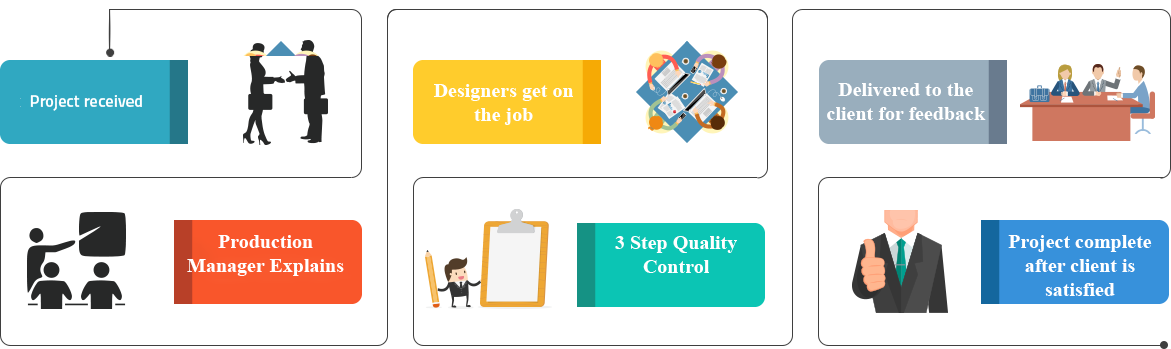
How It Work